
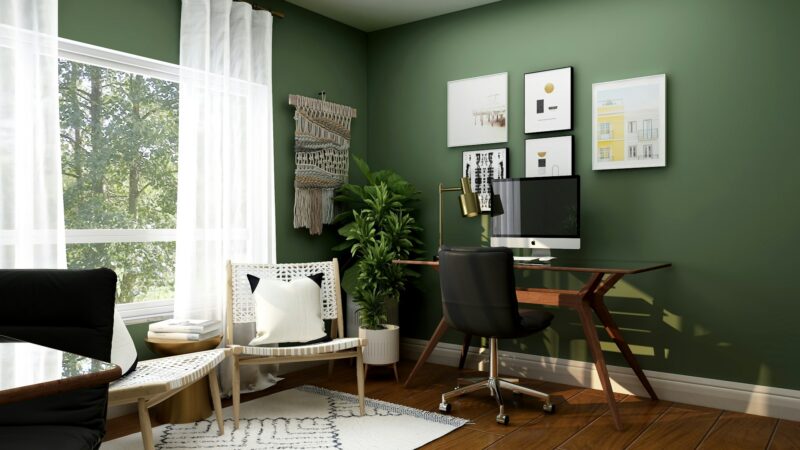
Remote work has reshaped how homes function. Living rooms double as offices. Guest bedrooms transform into workstations. Dining tables become temporary desks. While this flexibility allows convenience, it also creates challenges. Blurred boundaries between professional and personal life can reduce focus and increase stress. Designing multi-functional rooms with intention helps restore balance. The goal is not simply fitting a desk into an existing space. It is creating a room that supports productivity without sacrificing comfort.
Defining Zones Within One Room
A multi-functional room needs clear zoning. Even in small spaces, separation can be visual rather than structural. Position desks away from relaxation areas. Use rugs or shelving units to define boundaries. Lighting can also distinguish work zones from leisure zones. Clear separation helps the brain shift modes. When you sit at the desk, focus increases. When you step away, work feels complete. This mental distinction helps ensure productivity does not spill into every corner of the room.
Prioritizing Ergonomics Without Sacrificing Style
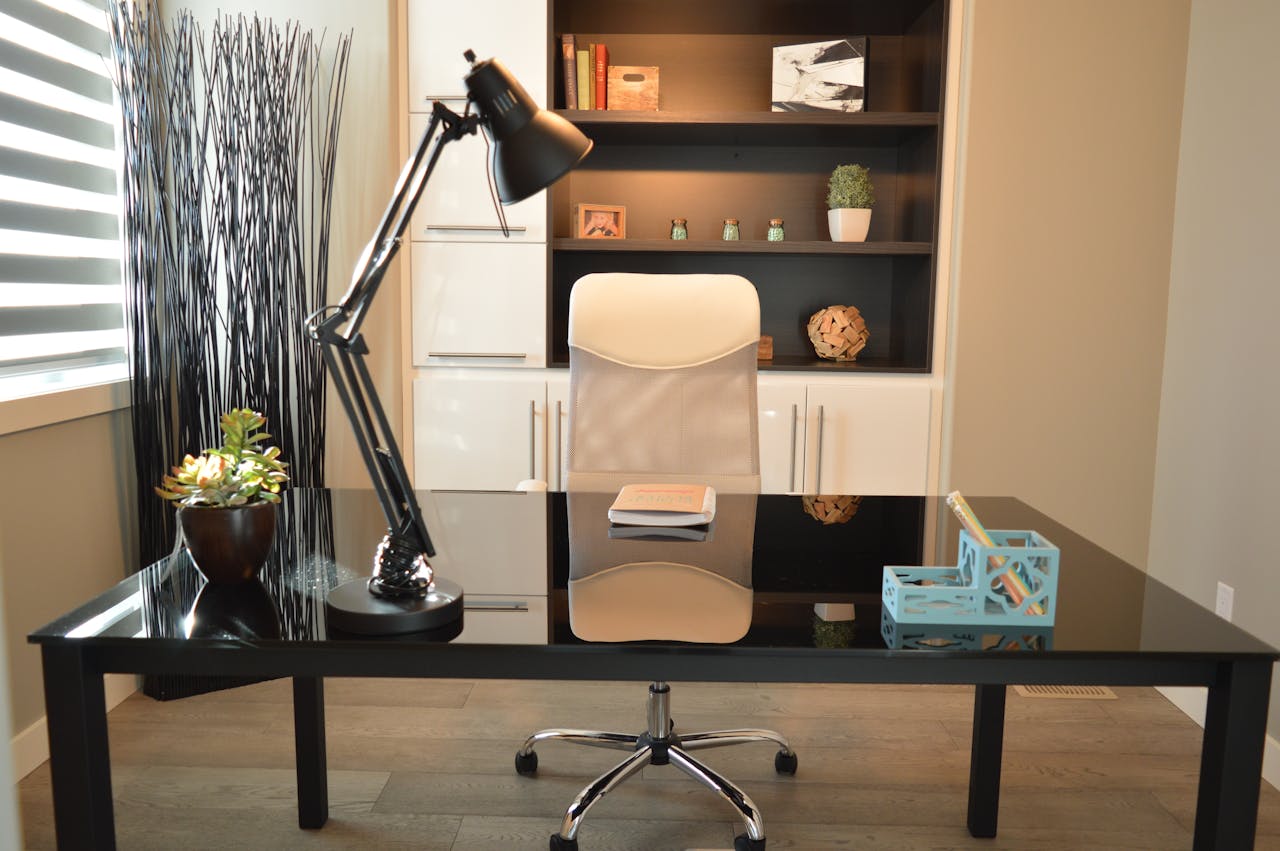
Comfort directly affects work quality. A supportive chair and proper desk height prevent long-term strain. Monitor placement should align with eye level. Good posture reduces fatigue. Ergonomic choices do not require sacrificing aesthetics. Select furniture that blends with the room’s overall design. Compact desks with clean lines maintain cohesion. Function should support style rather than disrupt it. A balanced approach creates a space that feels professional yet inviting.
Considering Smart Storage Solutions
Clutter interferes with concentration. Multi-functional rooms accumulate items quickly because they serve different purposes. Vertical shelving maximizes wall space. Closed cabinets conceal work materials after hours. Foldable or hidden storage options maintain flexibility. When work ends, equipment should not dominate the environment. Organized storage ensures the room transitions smoothly between roles. Order promotes calm.
Assessing Technology Integration and Cable Management
Remote work relies on technology. Strong internet connectivity is essential. Place routers strategically for consistent signal strength. Consider wired connections for stability. Cable management prevents visual chaos. Concealed cords create cleaner surfaces. Charging stations centralize devices and reduce clutter. Technology should feel integrated, not intrusive. A streamlined setup supports efficiency and reduces daily friction.
Lighting and Acoustics
Lighting influences mood and productivity. Natural light improves alertness. Position desks near windows when possible, but avoid glare on screens. Layered lighting supports adaptability. Task lighting aids focus during work hours. Softer lighting enhances relaxation later. Acoustic control also matters. Rugs, curtains, and upholstered furniture reduce echo and background noise. Managing sound helps ensure video calls remain clear and distractions remain minimal.
Creating Psychological Boundaries
Physical design influences mental well-being. When work tools remain visible constantly, it becomes difficult to disconnect. Design elements can signal transitions. Close laptop lids. Store equipment in drawers. Change lighting at the end of the day. Establish rituals that separate work time from personal time. Even small actions reinforce boundaries. Multi-functional spaces succeed when they support both productivity and restoration. Balance ensures sustainability.
Designing multi-functional rooms for remote work requires thoughtful zoning, ergonomic planning, smart storage, effective lighting, technology integration, and psychological boundaries. When spaces support both professional focus and personal comfort, productivity improves, and stress decreases. Intentional design transforms shared rooms into adaptable environments that meet evolving lifestyle needs.…